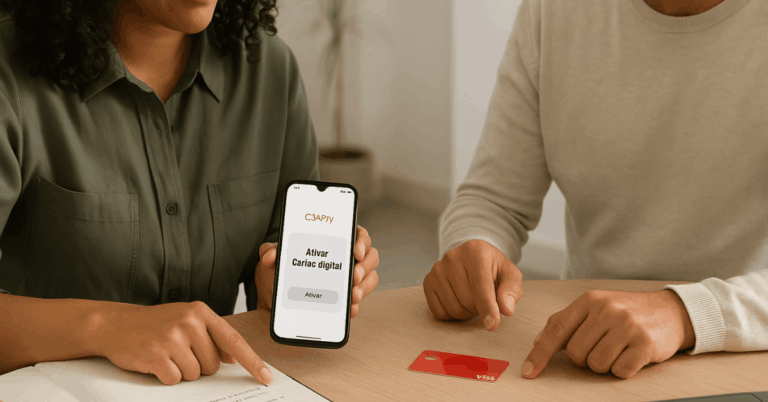
Brazilian benefits move faster when balance checks, card controls, and acceptance lookups live in one place.
The Pluxee Card centralizes those tasks through the Pluxee Brasil app and a web portal that syncs in real time, so daily spending stays predictable and secure.
Rebranding from Sodexo Benefits and Rewards to Pluxee began in 2023 and expanded across Latin America alongside new partnerships and client growth, improving coverage and digital features for cardholders.
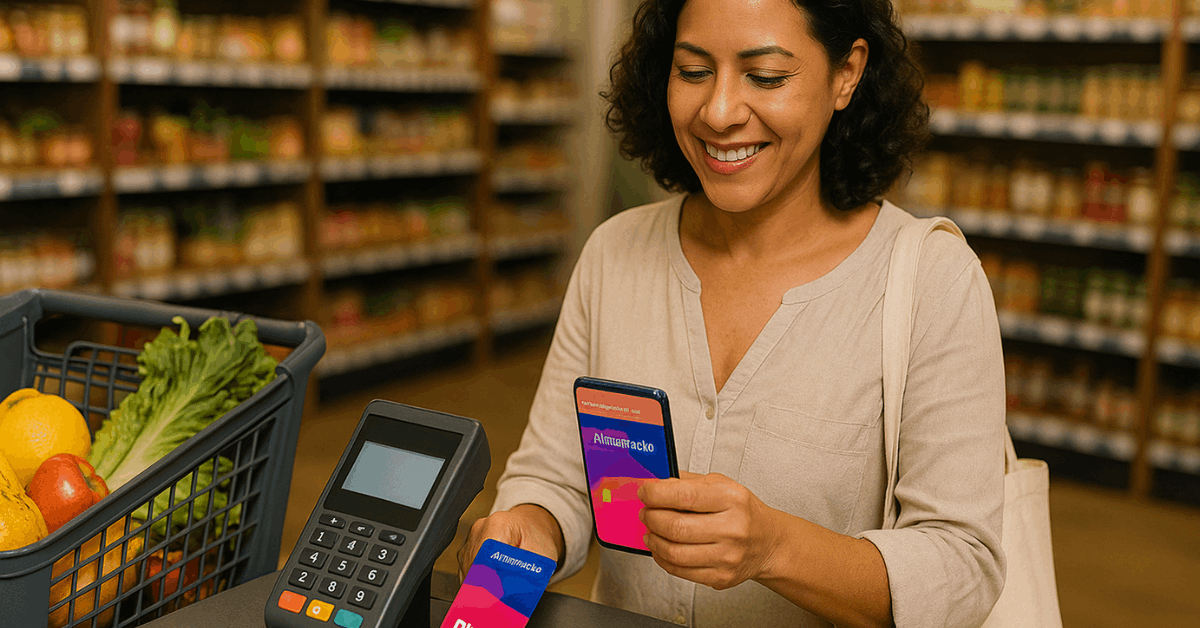
What the Pluxee Card Covers in Brazil
Benefits typically include Alimentação (groceries), Refeição (meals), and additional “wallets” such as mobility, education, home office, and wellness.
The flexible Pluxee Multibenefícios setup supports up to seven benefit wallets on a single card, with in-app balance transfers where permitted by company policy.
That flexibility fits varied work models and simplifies HR management without forcing separate cards for each use.
Company Growth
Coverage continues to expand. Pluxee cites more than 850,000 accredited establishments nationwide for its benefits acceptance network, while earlier 2023 materials referenced over 750,000, evidence of growth over time.
Growth tailwinds also track with Brazil-focused partnerships and acquisitions reported since 2023.
How to Check Your Pluxee Card Balance
Stay in control by checking your balance and recent transactions before paying. Two official paths exist in Brazil and share the same login: the mobile app and the consumer web portal.
Expect real-time updates, card services like lock/unlock, and a map of nearby places that accept your card, depending on product and region.
On the App: Pluxee Brasil
Install the Pluxee Brasil app from the Apple App Store or Google Play, then finish a one-time registration tied to your CPF and a validated card.
Open the app and check Saldo on the home screen or in Carteiras/Carteira to see balances by wallet, then tap Extrato for transactions.
Use Bloquear/Desbloquear if the card is lost or when a new card arrives. The same app shows the acceptance map and promotions, helping plan spending before checkout.
On the Web: Consumer Portal
Access the Pluxee consumer login page and sign in using the same credentials used in the app. View saldo e extrato, recover or change your password, and access card-management services such as block for loss or theft.
The portal also links to the accredited network search, which is useful when planning where to use benefits in a new neighborhood.
App vs Web: What Each Method Shows
A short comparison clarifies when the app or the portal offers faster results during daily use. Choose the method that fits your context, then keep one login for both.
| What you can do | Pluxee Brasil app | Pluxee web portal |
| Real-time balance & statement | Yes (Saldo/Extrato) | Yes (saldo e extrato) |
| Find nearby places to use benefits | Yes (map & geolocation) | Yes (network search) |
| Lock/unlock or manage card | Yes (block/unblock, PIN) | Yes (account/card services) |
| Reuse the same login | Yes (same as website) | Yes (same as app) |
| Promotions & app-only offers | Yes (in-app) | Varies by region |
Pluxee Gift Code: Convert and Use Credits
Gift credits load quickly when converted inside the app.
Open the app, tap Converter código Pluxee Gift on the home screen, and input the 10-digit code to move value into your balance; the label may vary slightly by country, yet the workflow remains consistent across Pluxee markets.
After confirmation, the updated balance appears on the app’s home screen and becomes available according to the merchant rules for that wallet.
Where To Use Pluxee Across Brazil
Plan purchases using the Rede Credenciada search tool and the in-app map. Filter by product type, Alimentação, Refeição, Mobilidade, Saúde e bem-estar, Educação, Home Office, or Gift, and by city or delivery availability for takeout and grocery partners.
Pluxee’s Brazil help page currently states more than 850,000 accredited establishments nationwide, while the dedicated search lets cardholders verify options before heading out.
Restaurants and Grocery
Restaurant and grocery use follow the wallet rules: Refeição covers prepared meals during work hours, while Alimentação targets ingredients to cook at home.
Mixed or flexible packages, such as Auxílio Alimentação under Multibenefícios, can permit transfers between Alimentação and Refeição when configured by the employer, keeping the budget aligned with actual usage.
Pharmacy Discounts and Extra Perks
Pluxee announced up to 35% discounts on prescription and generic medications at thousands of partner pharmacies, plus smaller percentages on selected hygiene and perfumery items, redeemable at the counter by confirming CPF during payment.
The discount catalog lives inside the app’s benefits area and lists participating chains and conditions.
Perks evolve over time, so check the Pluxee Brasil app for the current pharmacy network count, participating banners, and any limitations by product category or wallet. Promotional programs inside the app’s “Para você” area typically rotate monthly and can stack with standard card usage rules.

Security, PIN, and Privacy Basics
Use the app or portal to change or reset your card password, lock the card after loss, and unlock it after receiving a replacement. The app description explicitly mentions these controls for Brazilian users, and the consumer portal lists the same service set under its login area.
Personal data handling follows Brazil’s data-protection framework under the Lei Geral de Proteção de Dados (LGPD).
LGPD has applied nationwide since 2020 and governs how companies collect, store, and process personal data, including data used to operate benefit cards. Review Pluxee’s privacy notices and ensure your contact details and consents remain up to date in your profile.
Quick Troubleshooting and Support
Short checks resolve most sign-in or balance-sync issues without opening a ticket.
- Reset the password on the portal, then retry the app after five minutes.
- Validate at least one card in the app to unlock Saldo and Extrato.
- Clear old credentials and confirm the app uses the same login as the site.
- Use the Rede Credenciada tool when a merchant claims non-acceptance.
- If balances look outdated, pull to refresh on mobile and recheck after a short interval.
Conclusion
Fast balance checks, merchant lookups, and in-app controls keep everyday spending smooth on the Pluxee Card.
Install the app, confirm login parity with the portal, and use the network search before paying; that simple routine prevents declines, surfaces discounts, and makes every wallet stretch further across Brazil.